FR 01 of 36

Aiden Bodily

Panorama of snow-covered ridgelines on the San Francisco Peaks under a cloudy sky
Snow on the San Francisco Peaks, Flagstaff, Arizona

Cybersecurity student with a Computer Science Minor, junior year. Looking to gain hands-on experience in the field.

This page is a roll of film: each section is a frame, and every photo is one of mine.

Applying now for Summer 2027 internships

Rexburg, Idaho · open to relocation

2 Certs 8 Projects 1 CTF

A rainbow arcing over the Sunnyside neighborhood in Flagstaff, Arizona
A rainbow in the Sunnyside neighborhood of Flagstaff, Arizona

CompTIA Security+

CompTIA

FR 02 · Jul 2026 ↗

I.T. Fundamentals

Brigham Young University - Idaho

FR 03 · Apr 2026 ↗

Practical SOC Analyst Associate

TCM Security – in progress

expected Nov 2026

AWS Certified Cloud Practitioner

Amazon Web Services – in progress

expected Dec 2026

Most of these are still in-progress builds and will be public soon. I’m rotating out older projects to keep the portfolio focused on more relevant work.

FR 04 · finished · Oct 2026source ↗

A honeypot that imitates an SSH shell and never lets anyone in. It answers with a convincing fake shell, never runs a single command on the host, and logs everything: timestamp, source IP, username, password, every command, all into SQLite.

Python · Paramiko · threading · SQLite

how it works ↗
FR 05 · finished · Oct 2026source ↗

Analytics for the honeypot’s logs. It pulls the SQLite events into Pandas and answers the questions a SOC analyst would ask: which IPs hit the hardest, what hour they show up, which passwords they try. Then it charts the results with Matplotlib.

Python · Pandas · Matplotlib · SQLite

how it works ↗
FR 06 · in development

SIEM-Lite Dashboard

A small web dashboard for the honeypot data. Filter by attacker IP, date, or username, with charts and a detail page per IP. Basically a mini Splunk for my own logs.

Django · SQLite · Chart.js

FR 07 · in development

File Integrity Monitor

A command line tool in Rust. Hash every file in a folder once, then come back later and it tells you what’s new, what changed, and what’s gone. Tripwire, but small and mine.

Rust · SHA-256 · CLI

FR 08 · planned

Vault

A command-line password manager. Entries are encrypted with AES behind one master password, and you can add, edit, search and delete them. The stretch goal: flag any saved password that shows up in a breach wordlist.

Rust · AES · CLI

FR 09 · planned · group project

Internship Tracker

A web app for the internship hunt. Track every application and where it stands, and save the answers you keep retyping so they’re ready to reuse.

Vite · React · Tailwind · Firebase

side project · finisheddemo ↗

A gift exchange tool I built for my family. One signup link, a random draw that respects exclusions like couples and last year’s pairs, and everyone gets their person by email with a private link to their wishlist. No accounts, and the organizer never sees who got who.

Cloudflare Workers · KV · Resend

how it works ↗
side project · Oct 2026play ↗

A spam filter built from a fruit fly’s brain. The wiring comes from the real FlyWire connectome, and it learns the way a fly does: dopamine weakens whatever fired when it guessed wrong. It sorts 96.9% of new 2025 email right.

FlyWire connectome · evolutionary search · dopamine learning

how it works ↗
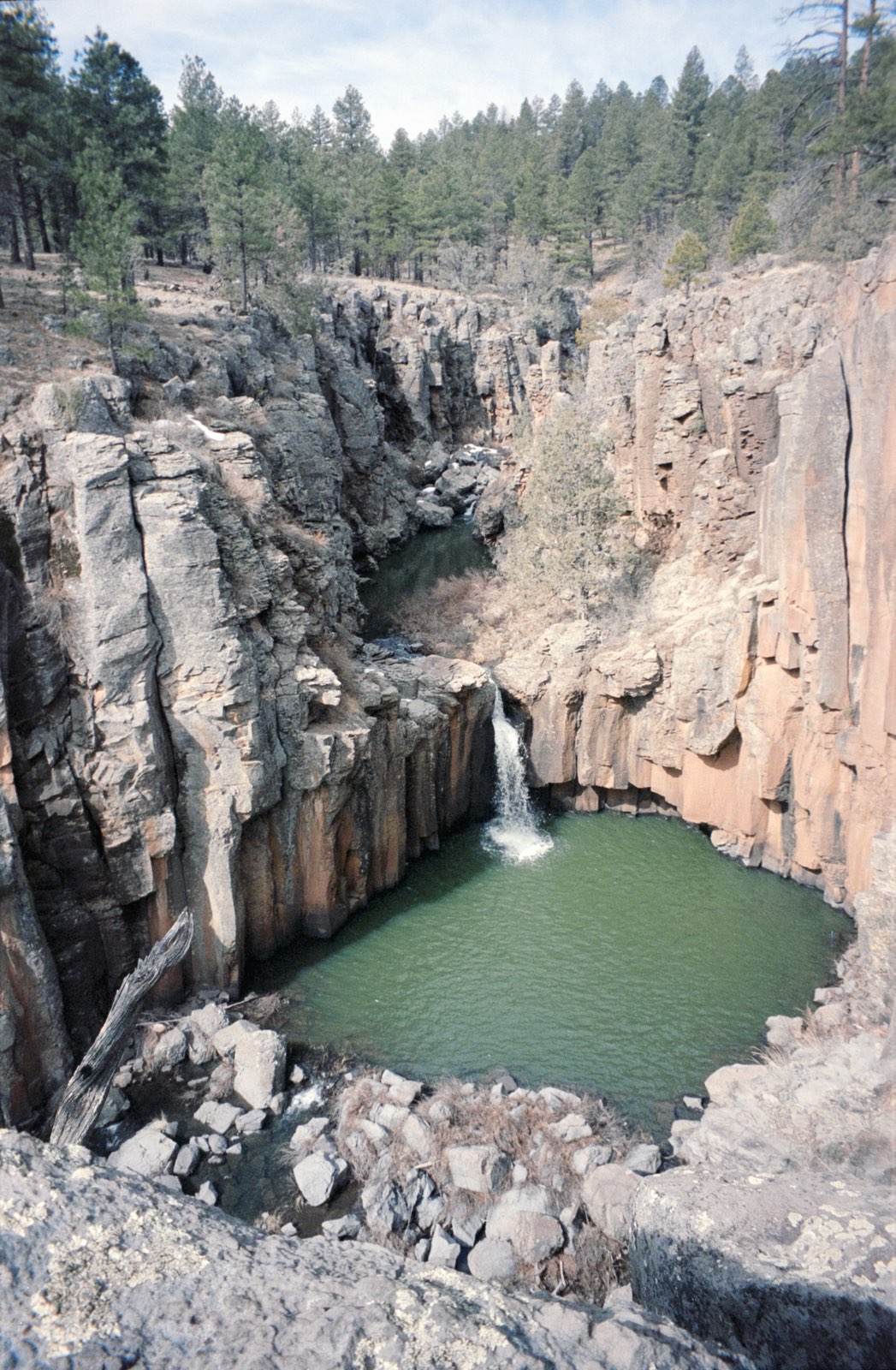
Sycamore Falls dropping into a green pool in a basalt canyon
Sycamore Falls near Williams, Arizona

Video Team Operator

Becklar – Rexburg, Idaho

  • Triaged 35,000+ video alarms, callbox triggers and AI-filtered camera alerts for commercial and residential properties, separating real threats from false positives
  • Escalated confirmed incidents following response protocols, dispatching emergency services or contacting property managers
  • Verified visitor identities against authorized-access lists before granting gate and door entry
  • Maintained 2,500+ audit-ready entry log records with names, vehicles, delivery status and timestamps

Security

Security Onion, Splunk, Wireshark, Nmap, log analysis, alert triage, phishing analysis

Networking

TCP/IP, DNS, VPNs, firewalls, VLANs, the OSI model

Languages & scripting

Python, C#, Bash, SQL, Rust (learning)

Systems & cloud

Linux, AWS (EC2), Docker, Git, Cloudflare Workers

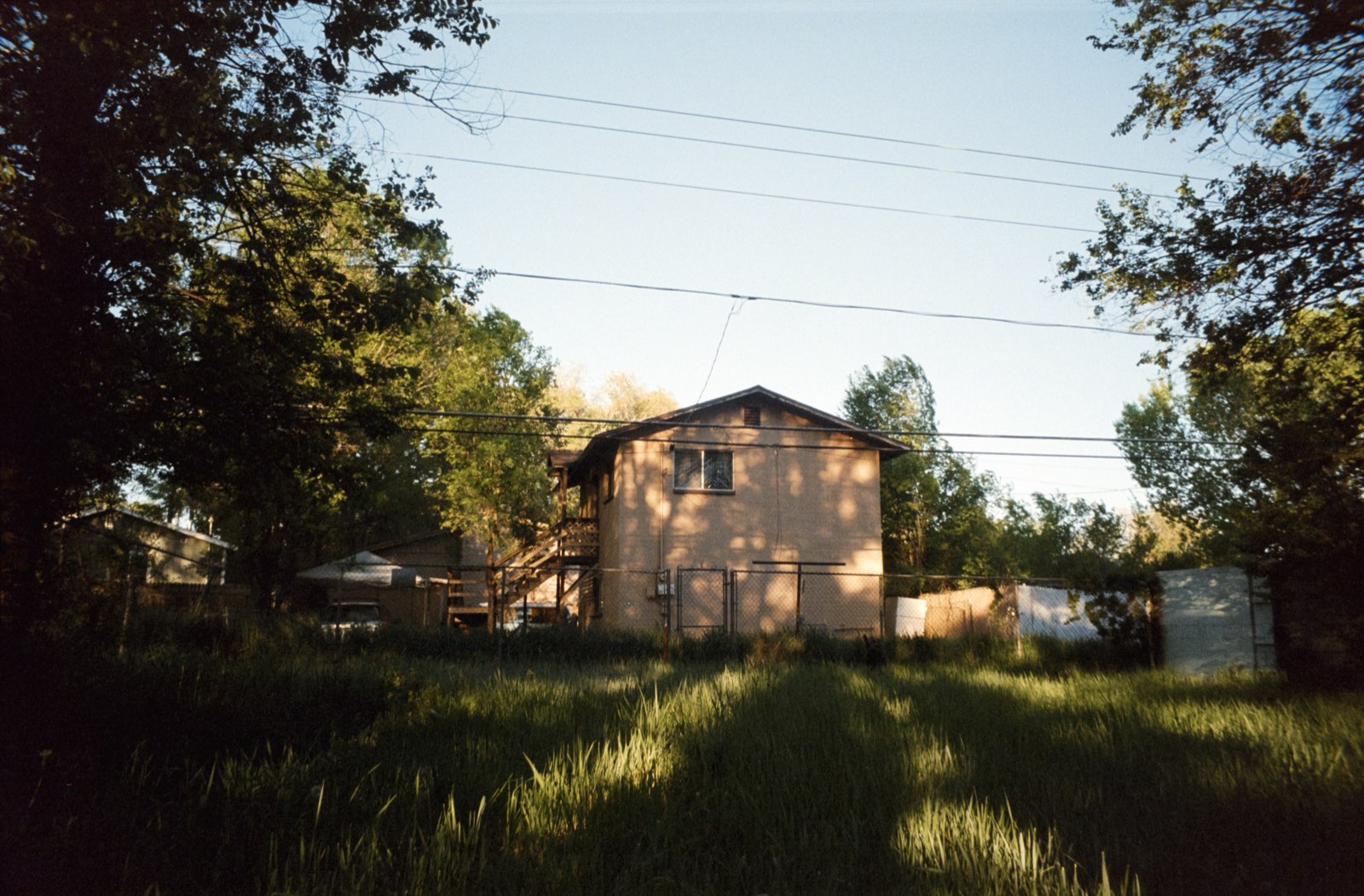
A backyard in Sunnyside at golden hour, a small building framed by tall grass and trees
A backyard in the Sunnyside neighborhood of Flagstaff, Arizona

B.S. Cybersecurity

& Minor in Computer Science

Brigham Young University - Idaho – GPA 3.71

  • Completed: Systems Security I (Security+ prep: threats, access control, cryptography, risk), Networking (OSI and TCP/IP, IP addressing, configuring network devices), Cybersecurity Fundamentals, Intro to Linux, Intro to Databases, Programming with Data Structures, Discrete Mathematics.
  • This semester: Security Analysis & Operations (built around TCM Security’s PSAA: phishing analysis, network and endpoint monitoring, SIEM and log analysis, threat intelligence, digital forensics, incident response), Cloud Foundations, Applied Programming.
The Teton range seen from across Jenny Lake, with a pine shoreline and rocky peaks
The Tetons from across Jenny Lake

Eighteen exposures still in the camera. Four have plans, and the rest come when they come.

16PSAA, November
17AWS Cloud Practitioner, December
18CompTIA PenTest+
19a cybersecurity internship, Spring/Summer 2027
20
21
22
23
24
25
26
27
28
29
30
31
32
33

I got into security by “hacking” to get free sodas. Swig ran a scavenger hunt with an online redemption page. Find the password, win a drink, but the answer-checking JavaScript was right there in the page. I called the validation function from the console and it handed me the answer. Free sodas, and a first lesson in what client-side trust is worth.

Zac sitting on the concrete ruins of the Teton Dam spillway under a clear sky
My friend Zac on the ruins of the Teton Dam spillway

That pattern stuck: break something small, understand it completely, write it down. Most of that happens in a home lab running on a used mini-PC. I'm building blue-team fundamentals first: detection, logs, learning what normal looks like so the weird stuff stands out. The goal is penetration testing, and the route there runs through the SOC. I care about alerts that mean something and documentation someone else can follow.

In my free time I like to shoot film photography, where you don't know what you got until the roll comes back from the lab. You can see some of my favorite pictures throughout this page. It teaches the same lesson as security: pay attention now, because it's a lot harder to fix it later.

T.A. Moulton barn in a grassy field with the Teton range behind it, at sunrise, panorama
T.A. Moulton Barn during the sunrise

Say Hi.

Hiring interns, or want to talk about anything security related? My inbox is open.

contact@aidenbodi.ly ↗

CTF writeups

DC-2 capture the flag

WordPress box · class CTF · Feb 2026

Day one: the front door

This one was a WordPress box on the class network. The part I’m happiest with: I was one of the few to complete the stretch challenge. Instead of pulling a generic password list, I used cewl, which is a tool that scrapes a website and builds a wordlist out of the words it actually contains. People’s passwords usually show up in their own writing, so cewl -d 3 -w passwords http://dc-2 gave me a candidate list tailored to this box.

After that I used nikto, it’s a web server scanner that probes for known vulnerabilities and leftover default files. It pointed me at wp-login.php, which told me the box was worth attacking through WordPress rather than the server.

That’s where wpscan comes in, it’s a scanner built specifically for WordPress. It can enumerate all information from the site. Themes, plugins, and, importantly, usernames. wpscan --no-update --enumerate --url http://dc-2 pulled two out of the site: Jerry and Tom. Then it does double duty as a brute-forcer, so feeding the cewl list back in cracked both in one pass:

  • jerry : adipiscing
  • tom : parturient

The quick port scan only checks the common ports, so a full nmap sweep of all 65,535 (sudo nmap -p- <target>) was worth the wait: ssh was hiding on 7744, not the default 22. Jerry’s password didn’t work over ssh, but Tom’s did:

ssh -p 7744 tom@<target>

Breaking out of the restricted shell

Tom’s shell turned out to be rbash, a restricted bash that only lets you use a handful of commands. I figured it out the boring way: half of what I typed just wasn’t there. echo $PATH showed why. The shell was only looking in /home/tom/usr/bin. less flag3.txt did work, and the flag basically said “use su.”

The way out was vi. It has a setting that tells it which shell to spawn: :set shell=/bin/sh, then :shell, and vi hands you a shell from inside the editor. From there, /bin/bash for a proper shell, then export PATH=/bin:/usr/bin:/usr/local/bin:$PATH so anything I spawned could find commands. This took longer than I want to admit, I kept trying things before I’d actually fixed the PATH.

Poor old Tom is always running after Jerry. Perhaps he should su for all the stress he causes.

su jerry worked with the wpscan password previously discovered, and flag4 was sitting in his home directory:

Good to see that you’ve made it this far — but you’re not home yet. You still need to get the final flag (the only flag that really counts!!!). No hints here — you’re on your own now. Go on — git outta here!!!!

The pun is the hint. sudo -l lists which commands a user is allowed to run as root, and jerry can run /usr/bin/git, no password. git’s help command opens a pager, and pagers like less let you shell out: sudo git help status, then !/bin/bash from inside it, and suddenly whoami says root. The final flag was found there and the ctf completed.

Stretch goal: deface the site with a rickroll

WordPress stores its database credentials in plain text in wp-config.php (wpadmin : 4uTiLL), so I logged into mysql and asked the wp_options table which theme the site was actually using called twentyseventeen. All that was left was to replace its front page with an embedded video.

The box had no internet, which turned a quick link embed into a small logistics chain: grab the video on my mac, convert it to mp4 with yt-dlc and ffmpeg, scp it to the jumpbox, scp it again to dc-2, drop it in the uploads folder, give the web server ownership, and embed it in the php. When it finally played, it was absolutely worth the effort.

SSH Honeypot

SSH Honeypot

Python · Paramiko · threading · SQLite

A honeypot is a decoy: a server that looks worth breaking into, so whatever an attacker tries gets written down. This one pretends to be an Ubuntu box with a login and a root shell. Nothing behind it is real.

How it works
  • Connect. Every connection gets its own thread, its own session ID and a real SSH handshake. The client’s SSH version banner is the first thing logged.
  • Log in. Any username with a nonempty password “works” and lands in the fake shell. Empty passwords, the “none” method and public keys, which real clients try first, are refused and logged too. Passwords are redacted by default and only stored when the server is deliberately started with --store-passwords.
  • Look around. Commands like whoami, ls -la, uname -a and cat /etc/passwd get believable canned answers about an imaginary server, in an interactive shell or a one-off ssh host command. Anything else gets “command not found.” Nothing is ever run on the real machine.
  • Leave. Each session closes out with how long it lasted, how many requests, logins and commands it made, and why it ended.
Under the hood

It speaks real SSHv2 through Paramiko: host-key negotiation, password authentication, interactive shells and one-command sessions. Port forwarding, agent forwarding, X11 and SFTP are all refused. The original classroom version, a small text protocol (LOGIN, CMD, LOGOUT), still runs with --protocol legacy.

Logging goes into SQLite through parameterized queries, so an attacker typing SQL into the fake shell gets recorded, not executed. Every event carries its session ID, and a separate sessions table keeps the per-session summary, so analysis never has to guess which events belong together.

Hardening

Before it faced real traffic, the server got hard limits on request size, idle time, total session time, requests per session, simultaneous clients and database growth, plus retention controls for captured data. Host, port, timeouts and limits are all command-line options. Tests cover real SSH handshakes and logins, interactive and one-command sessions, the legacy protocol, reconnects, concurrent clients, malformed and oversized requests, timeouts, password redaction, database failures and graceful shutdown.

Deployment

The hardened server now runs on an isolated Amazon EC2 instance for a short, supervised collection run. The live endpoint and the captured data stay private. That data feeds the next two frames: HoneyBadger (log analytics) and the SIEM-Lite dashboard.

source on GitHub ↗

HoneyBadger

HoneyBadger

Python · Pandas · Matplotlib · SQLite · unittest

The honeypot collects; HoneyBadger reads. Point it at the honeypot’s SQLite database, or a CSV export of it, and it answers the questions a SOC analyst would ask on shift, then charts the results.

The questions
  • Who hits hardest? Ranks the ten source IPs with the most logged events.
  • When do they show up? Counts every event by hour of day in UTC, keeps all 24 hours so the quiet ones show as zero, and calls out the peak.
  • What are they trying? Separates logins the fake shell accepted from authentication it refused, like empty passwords or the key attempts real SSH clients make first, then ranks the ten most-tried passwords across both.
  • How much is just scanning? Counts SSH probes, timeouts and invalid requests as reconnaissance signals.
  • What do they want? Groups events by the honeypot’s session IDs and sorts each connection into reconnaissance only (connected and left), credential activity (tried to log in) or command activity (got the fake shell and typed), with the share of each.
Under the hood

It queries the honeypot database directly with sqlite3, including the sessions table for duration and disconnect reason, or reads a CSV. Older data without session IDs falls back to pairing connections by IP. The rankings are a Pandas filter, sort and groupby; Matplotlib saves an attack timeline and a top-passwords bar chart as PNGs.

The honeypot redacts passwords by default, so when there’s nothing to rank HoneyBadger says so instead of drawing an empty chart. A demo dataset shaped like real honeypot output ships with it, unit tests cover each analysis, and an end-to-end test starts the real honeypot, logs in over SSH and checks that the passwords come out ranked.

What’s next

IP enrichment like network owner and location, charts for daily activity and repeat scanners, and checking attempted passwords against a known wordlist. The results feed the next frame: the SIEM-Lite dashboard.

source on GitHub ↗

Secret Santa

Secret Santa

Cloudflare Workers · KV · Resend · plain JavaScript

A small web app for running a family gift exchange without drawing names out of a hat. It does the draw for you and emails everyone their person, so nobody has to be in the same room and the organizer doesn’t have to see who got who.

How it works
  • Create. The organizer names the event, adds a note (budget, date, hints), and enters a passcode. They get back two links: a signup link to share and a private organizer link.
  • Sign up. Everyone opens the signup link and adds their own name and email.
  • Exclusions. The organizer can mark pairs who shouldn’t draw each other, like couples, in both directions or just one. Linking last year’s exchange stops anyone from drawing the same person twice.
  • Draw. One button assigns everybody a person and emails each of them a private link.
  • Wishlists. That link shows who you’re buying for and their wishlist, and it’s where you fill in your own.
  • Other occasions. Anyone can also make a standalone wishlist for a birthday or graduation and share it. Viewers mark what they’ve bought so nothing gets bought twice, and the owner’s page never shows the marks.
Under the hood

The whole thing is one static page and a few API routes on a Cloudflare Worker, with events and members stored in Workers KV and the emails sent through Resend.

There are no accounts or passwords. Each person’s link carries a random token, and that token is their identity. The organizer link works the same way, and it only shows who has signed up and whether their wishlist is filled in, never the pairings.

The draw is a shuffle with backtracking. It places the people with the fewest valid options first, so if the exclusions make a draw impossible it finds out quickly and says so instead of looping forever.

The real thing is behind a passcode, so there’s a demo with a made-up family. It runs entirely in your browser and sends no emails.

try the demo ↗

Smells Phishy

Smells Phishy

Python · NumPy · FlyWire connectome · Cloudflare Workers · three.js

Security awareness training assumes enough slide decks will teach a person to spot phishing. This asks whether the same works on a fruit fly. It takes the real wiring of a fly’s smell circuit, mapped neuron by neuron in the FlyWire connectome, presents each email as a smell, and lets the circuit learn the difference the way a fly does: from dopamine.

How the fly works
  • Smell. Each email is broken into themes (patterns in its words, sender and subject), and each theme becomes an odorant that drives one of the fly’s 53 real glomeruli.
  • Mushroom body. Those signals reach 4,646 Kenyon cells through the actual FlyWire synapses, and inhibition lets only a sparse few fire, so each email leaves its own pattern.
  • Learn. Kenyon cells feed 84 real output neurons voting “avoid” or “approach.” Phishing is a punishment, real mail a reward, and dopamine weakens whatever drove the wrong call. No gradient descent, no classifier bolted on top.
  • Breed. Learning can’t change what a fly is born with, so an evolutionary loop breeds flies on validation mail. The quiz uses a jar of 80 bred flies with eight kinds of nose, averaging their urge to avoid.
Results

On 2,001 emails from 2025–26 that the flies never learned from or were bred on, the jar scores 96.9%: 95.9% of phishing caught and 97.8% of real mail passed.

The quiz

You get a real email, call it phishy or legit, then watch a 3D fly at its own tiny laptop sniff it and decide while its brain lights up stage by stage. Emails are scrubbed of personal details and filled in with made-up ones, every link is defanged, and the site stores only guesses: no IPs or cookies. It runs on a Cloudflare Worker with D1 and Turnstile.

The fly was notified of these findings. The vendor has been unresponsive for about 400 million years.

play against the fly ↗